Speed-up procurement with a collaborative vendor portal
Give vendors a dedicated workspace to respond to RFQs, submit bids, accept POs, upload invoices, and track transactions, all without email communication.
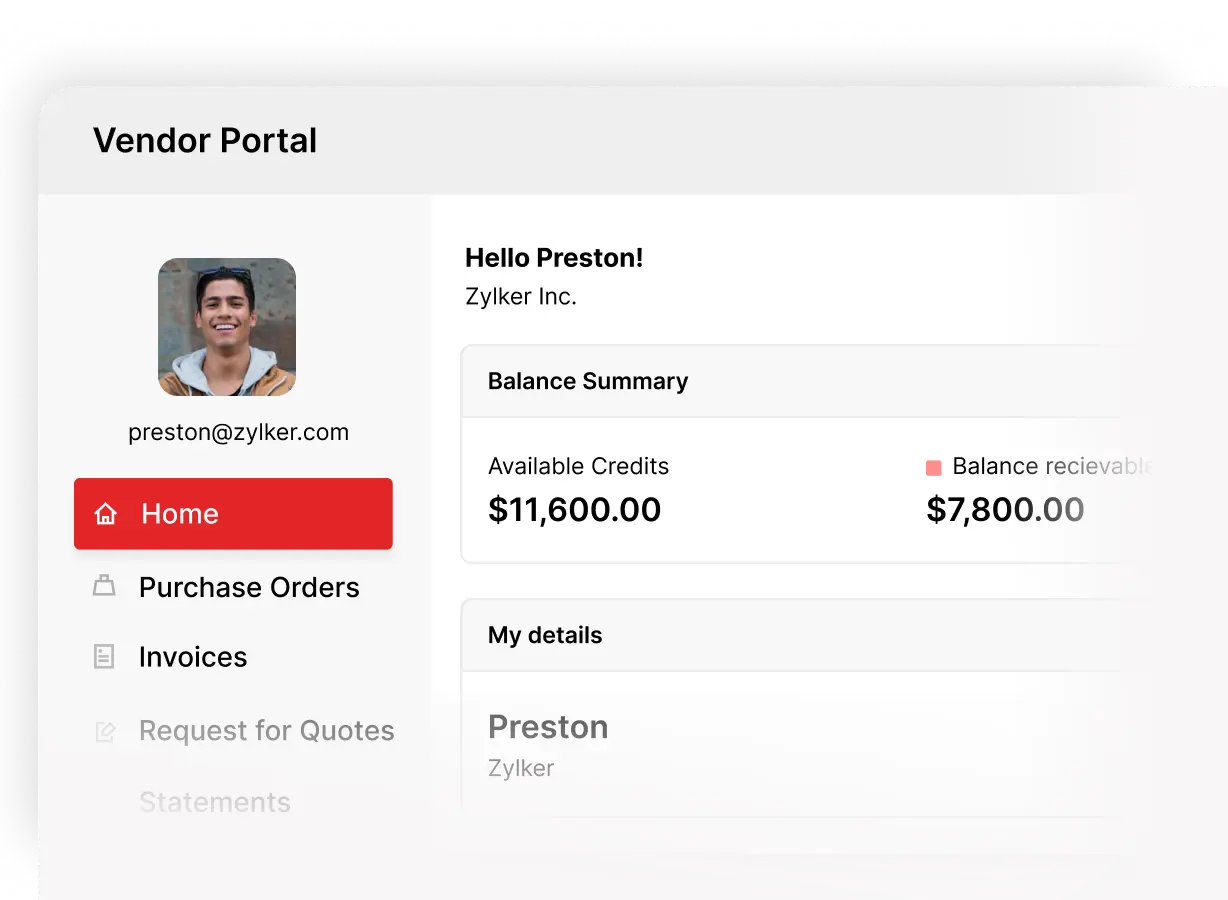
Manage procurement outside your inbox
Stay in sync with vendors at every procurement stage
Streamline sourcing with direct vendor participation
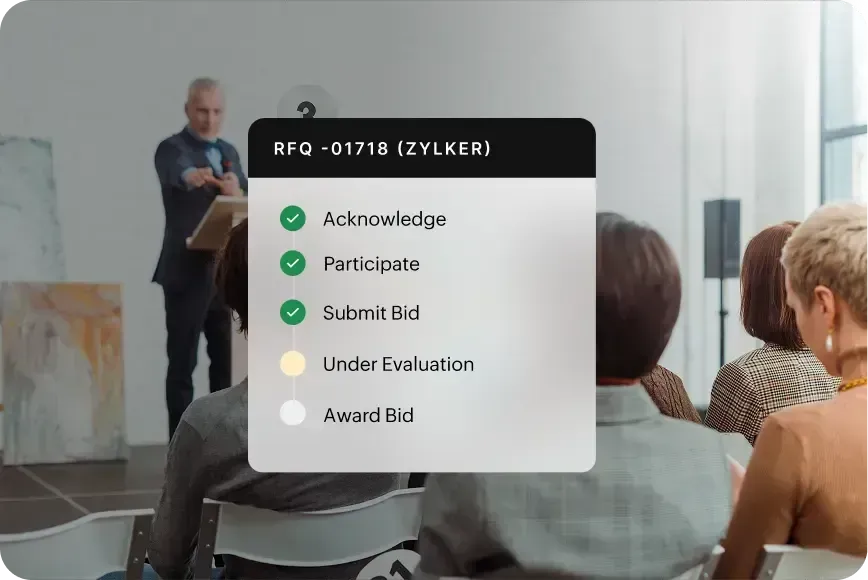
Publish RFQs and let vendors acknowledge participation, submit bids with pricing, quantities, and delivery timelines, and revise bids before the bidding period closes.
Faster purchase order cycles with vendor self-service
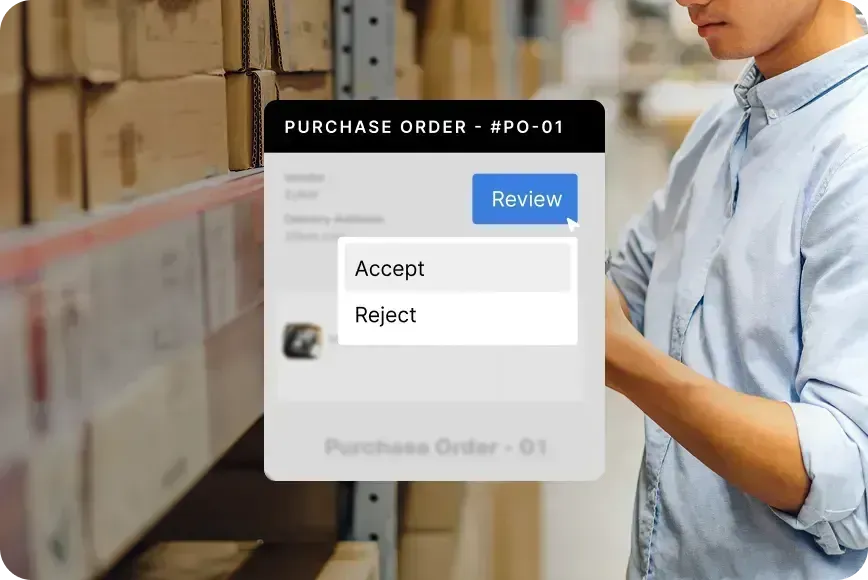
Share purchase orders through the portal and let vendors review, accept, reject, and upload invoices against specific POs with every status change synced to your organization in real time.
Real-time invoice and payment tracking
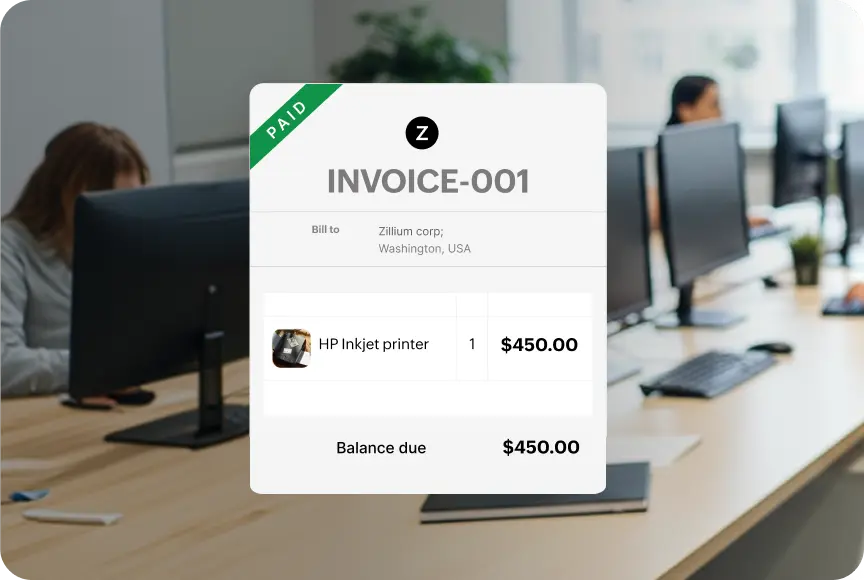
Eliminate routine payment inquiries by giving vendors direct access to invoices and payment records. They can also generate account statements to review transactions, payments, and outstanding balances on their own.
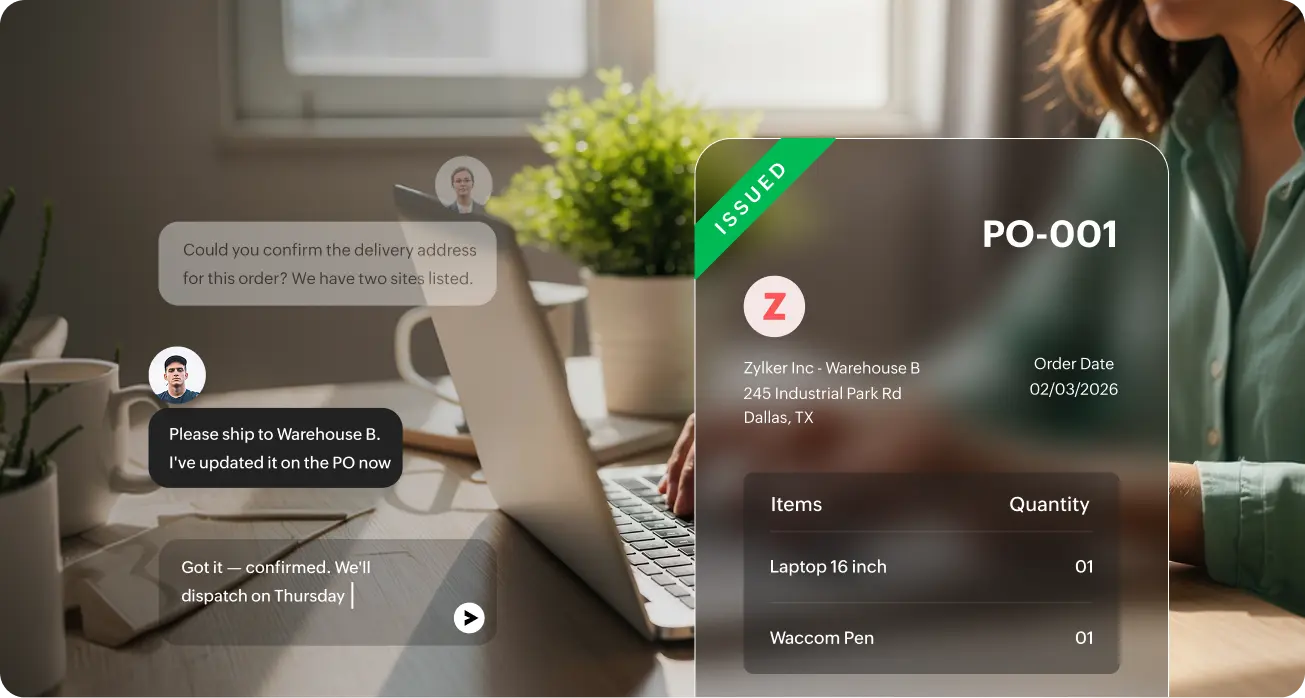
Collaborate directly within RFQs, purchase orders, and invoices
Every conversation pinned to the transaction
Collaborate directly within RFQs, purchase orders, and invoices without relying on scattered email threads, with access to the full conversation history visible for both vendors and procurement teams.
Transparency for vendors, control for procurement

Scoped vendor access
Restrict vendor visibility to only the transactions they’re a part of. Control what’s visible, who can act, and what stays internal to your organization.

Configurable permissions
Choose whether vendors can accept or reject POs, upload invoices against orders, or access custom modules—so every action matches your procurement policies.

Internal workflows stay internal
Keep document verification, bill conversion, approval workflows, and payment recordings inside Zoho Procurement—never exposed through the vendor portal.
Customize the portal to match your business needs
Create custom modules to track supplier-specific information and make them accessible to vendors through the portal.

Quality inspections
Track inspection status, defects, and results.

Vendor compliance
Manage certifications and compliance records.

Delivery confirmations
Log delivery status and confirmations.

Project documentation
Centralize project-specific vendor files.
Frequently Asked Questions
A vendor portal is a secure interface that allows vendors to interact directly with your procurement system. Instead of relying on email updates, vendors can access RFQs, purchase orders, invoices, and payment information through a dedicated portal.
Procurement teams can enable portal access for vendors directly from Zoho Procurement. Once access is granted, vendors receive an invitation and can securely access the transactions they are invited to participate in.
Vendors only see the transaction that involves them, such as RFQs they are invited to bid on, purchase orders issued to them, and invoices related to their orders. Procurement teams retain full control over what vendors can access and what actions they can perform.
Yes, Vendors can acknowledge RFQs, confirm participation, and submit detailed bids directly through the portal. They can include pricing, quantities, and delivery timelines, and revise their bids before the bidding period closes.
Yes, Vendors can upload invoices against purchase orders, track invoice status, and view payment updates directly from the portal. They can also generate account statements to review transactions and outstanding balances.
No, Vendors do not need a Zoho subscription. Once you enable portal access, they can log in and participate in procurement transactions through the vendor portal.