Join webinars on the go from Zoho Webinar’s mobile app!
Are you worried about conducting large-scale conferences remotely? Worry not! Zoho’s webinar app is here to your rescue. Attend hybrid virtual conferences seamlessly with Zoho’s webinar applications.


Join webinars instantly from your mobile device.
Join webinars instantly from your mobile device, whether you're hosting small business webinars or managing large-scale virtual conferences. Attend sessions in real time with interactive features like raise hand, live Q&A, poll responses, and Picture-in-Picture (PiP) mode to stay connected while multitasking—all as the webinar unfolds.
Browser-based webinar software for your online events
Prepare, organize, and launch webinars to reach a broader audience and generate leads with our Zoho Webinar software, right from your web browser—no installation required!
Enjoy powerful performance with our application
With optimized performance for lower bandwidths, our webinar app is versatile and secure—no matter where you are.
Why use Zoho’s webinar app?
User-friendly interface
Join online webinars directly from your Zoho Webinar app on your mobile devices. Zoho Webinar’s interactive UI helps you attend your online webinar conferences with ease and without any compatibility issues.

Field-tested security
Just because the app is free doesn’t imply you need to compromise on security. That’s why in Zoho Webinar’s free webinar app, we offer a secure webinar service. Our webinar app audio and video feeds are encrypted using industry standard TLS 1.2 DTLS-SRTP encryption protocols.

Custom branding
Customize your webinar application experience to match your business prospects. Rebrand your webinar platform with a custom domain, logo, and organization name.

Host large-scale conferences remotely
Conduct large-scale virtual conferences and engage with up to 5,000 attendees who can join from anywhere through Zoho’s mobile webinar app.
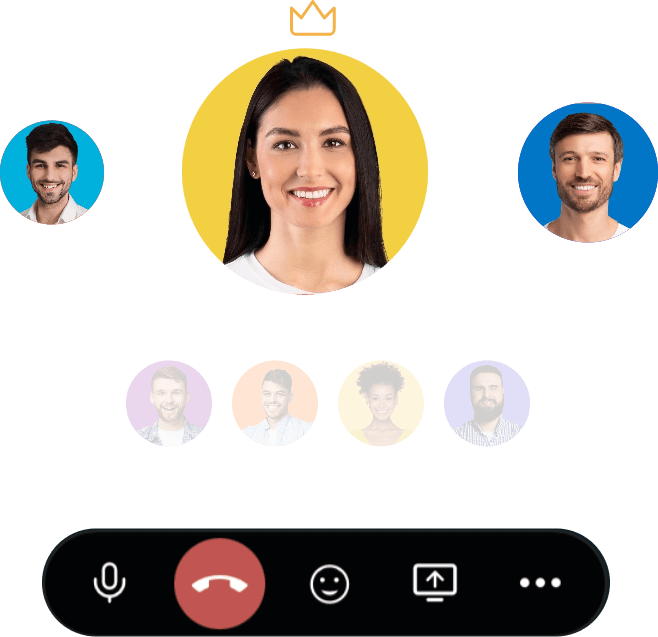
What are the key features of the Zoho Webinar mobile app?
The webinar mobile app lets you attend or co-organize live webinars seamlessly from anywhere, right from your mobile device. Here's everything you can do with the app:
For co-organizers:
- Join webinars and engage attendees with live audio and video from your mobile device.
- View shared materials including PDFs, PPTs, and videos along with live screen shares.
- View and moderate questions submitted by attendees under the Q&A section.
- Launch polls to drive real-time audience engagement during the session.
- Communicate and coordinate privately with other organizers before the webinar broadcast goes live.
For attendees:
- Join webinars instantly with audio and video for a fully interactive, real-time experience from your mobile device.
- View live screen shares and shared materials including PDFs, PPTs, and videos.
- Participate in live polls to share instant feedback and interact via Q&A to submit questions during the session.
- Raise your hand to ask the speaker a verbal question during the webinar.
- No sign-in required. Join instantly by tapping the join link or entering the session ID.
Augment your business communications with Zoho’s live webinar app
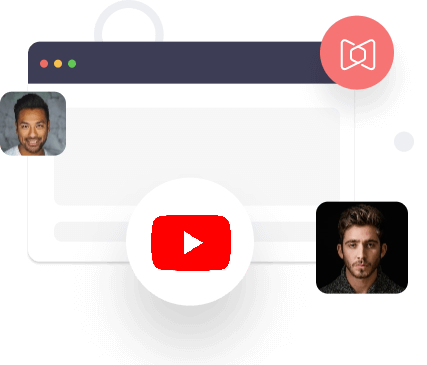
Live webinar app
Zoho Webinar’s live webinar technology is backed by comprehensive WebRTC multipoint conferencing unit-based architecture, which helps you enjoy a hassle-free webinar experience.
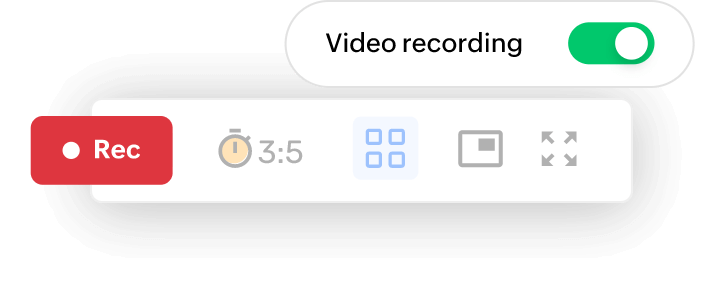
Webinar recording
Record, replay, and store webinar recordings on the cloud. Session recordings can also be shared with your webinar attendees and also be used for future references.
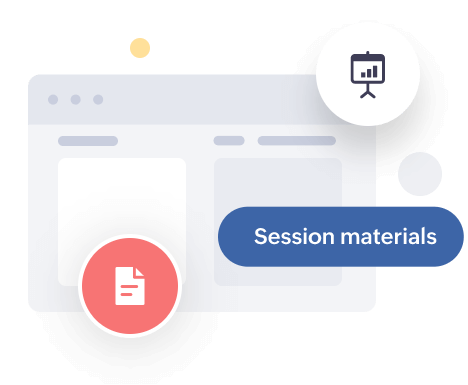
Share material
Share essential PDF, PPT, and video files with the click of a button. Sharing materials can help you when you need to explain intricate concepts during the presentation, and help you share your data and ideas with efficacy.
Surveys and Polls
Enhance attendee engagement by asking questions and initiating an audience survey. Conduct surveys via polls to gather information from your audience and give direction to your engagement efforts.
Source tracking
Monitor and analyze which platforms are optimal for your webinar promotions using Zoho Webinar’s built-in source tracking tool. Use KPIs such as session count, session duration, and session history to analyze your past webinars and gather useful insights.


Frequently asked questions
Yes, attendees can join Zoho Webinars directly from their mobile phone using the Zoho Webinar app or a web browser. You can view screen sharing, participate in polls, ask questions via Q&A, and (if allowed) join with audio/video from your phone.
Yes, Zoho Webinar includes live polls and a Q&A section to make sessions interactive. Organizers can launch polls during the webinar, and attendees can submit questions (even anonymously) that can be answered live.
Organizers can host webinars using Zoho Webinar's web interface. No heavy software installation is required; just open your browser, sign in, and start your webinar with screen sharing, video, and interactive tools.
Yes, attendees can join Zoho Webinars directly from any modern web browser (Chrome, Firefox, Safari) on a PC. No download required; just click the join link in the email or calendar invite, and you'll be able to enter the session in your browser.
Zoho Webinar doesn't have a dedicated desktop application—but you don't need one. You can seamlessly host or attend webinars directly from your preferred web browser on your PC, with no installations or updates required. Simply open your browser and you're ready to go.
Choose Zoho’s free live webinar software today!
Take a 14 Day trial of our free webinar app, no credit card required.